Part of our guide: AI Calling in India: The Complete 2026 Guide
Key takeaways
- Instant forms are built for speed: prefilled details and a few taps mean low effort, and low effort means more casual and accidental submissions.
- Meta offers real quality controls: the Higher intent form type, multiple-choice qualifying questions, conditional logic, SMS one-time-password verification and optimising for qualified leads using your CRM data.
- Every one of those controls trades some volume for quality. Test them one at a time.
- Filter before your team calls: remove duplicates and invalid numbers, then run a short 3–4 question qualifying call and tag the reason for every junk lead.
- Judge campaigns on cost per qualified lead, not cost per lead.
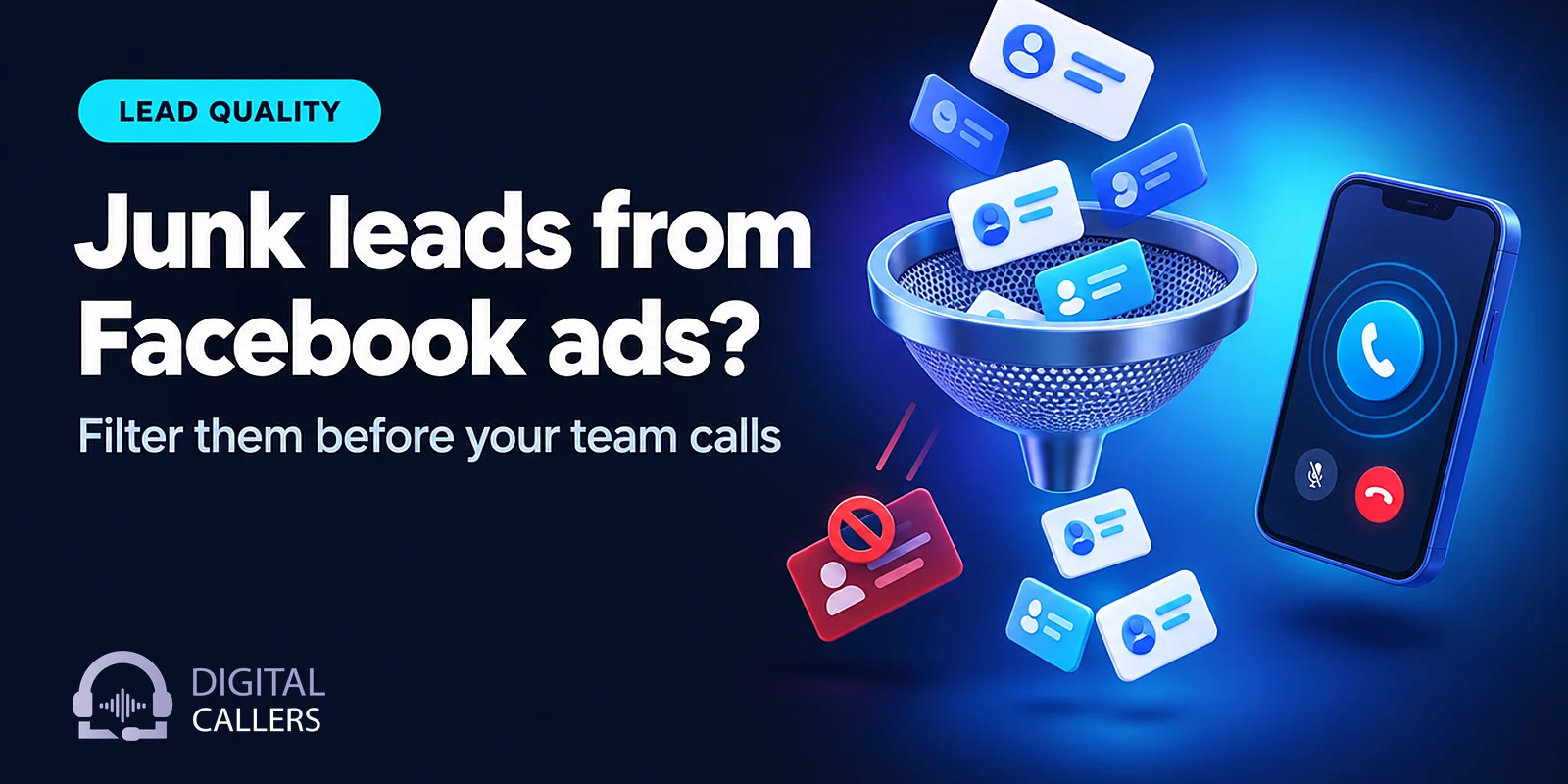
Lead quality is often the real problem behind "Facebook ads are not working". The cost per lead looks fine on the dashboard, then the sales team starts calling and finds wrong numbers, people who "never filled any form", students chasing a free gift and duplicates of yesterday's leads. This guide explains why Meta instant forms collect so much junk, which Meta settings genuinely help, and how to filter leads before your team spends a single call on them, including with AI lead qualification calls that sort every lead within minutes.
Why do Facebook lead ads bring so many junk leads in India?
Because instant forms are designed to be quick, and quick forms are easy to fill without meaning it. Meta says contact details such as name, email and phone number may be prefilled from information people have already given Meta. Someone scrolling Instagram reels at 11 PM can submit in two taps, then forget about it by morning.
The junk usually comes from a handful of sources:
- Prefilled fields and one-tap submits. The number on the form is whatever is on the person's Meta account. That may be an old SIM, a family member's phone or a number they no longer use.
- Accidental submits. A thumb slips while scrolling. Your caller hears "Maine kuch fill nahi kiya."
- Curiosity clicks. People want to see the price or the brochure, not talk to a salesperson.
- Incentive-chasers. "Free counselling session", "win a gift voucher" or "free site visit with lunch" pull in people who want the freebie, not the product.
- Bots and spam. Meta itself describes its SMS verification feature as helping filter out "fake leads such as spam bots and bad actors" (Meta Business Help Centre).
- Optimising for the cheapest leads. The default performance goal, "Maximise number of leads", shows your ad to the people most likely to share their contact information. That is not the same as the people most likely to buy. Add broad targeting and the algorithm finds the people who fill forms most easily.
What does Meta offer to improve lead quality?
Meta gives you five main controls: the Higher intent form type, multiple-choice qualifying questions, conditional logic, SMS one-time-password verification, and a performance goal that optimises for qualified leads using your CRM data. Each one lowers volume somewhat, which is the point.
| Meta setting | What it does (per Meta) | Trade-off |
|---|---|---|
| Higher intent form type | Adds context under contact fields that the business may follow up, plus a review screen to confirm details | Fewer leads; runs only on Facebook and Instagram feeds on mobile |
| Multiple-choice custom questions | Lets you ask about need, timeline or budget range with tap answers | Each extra question lowers completions |
| Conditional logic and conditional answers | Changes the next question or the answer options based on earlier answers | Needs planning; conditional answers are uploaded as a CSV |
| SMS verification | Person must enter a one-time password before the form submits | Unverified submissions are not counted as leads at all |
| Maximise number of qualified leads with Conversions API for CRM | Uses your CRM outcomes to find people more likely to convert | Needs a CRM that tracks stages and sends them to Meta |
Higher intent forms and qualifying questions
The default instant form type is "More volume", which Meta describes as designed to generate a larger number of leads. "Higher intent" adds the review screen, and Meta says it suits businesses where "follow-up or further qualification is required on each lead". That describes most businesses that call their leads.
For questions, Meta's lead ad best practices put the trade-off plainly: fewer multiple-choice questions bring more submissions, while more multiple-choice questions typically bring more quality leads. Meta also suggests limiting short-answer questions, because typing puts people off. Its conditional logic feature can show a different next question, or even a different landing page, depending on an answer, so a "just browsing" answer does not have to see the same flow as "buying this month".
SMS verification
Meta's phone number verification sends a one-time password to the number on the form. If the person cannot verify, for example because they entered a landline, the form does not submit and they are not counted as a lead. A verified number is not asked again for 90 days. Meta lists a few countries where the feature is not available; India is not among them at the time of writing, but check that the "Require SMS verification to submit form" box appears in your own Ads Manager.
Optimising for qualified leads with your CRM data
This is the strongest lever and the one most small advertisers skip. You record what happened to each lead in your CRM (contacted, qualified, visit booked, sold) and send those stages back to Meta through the Conversions API for CRM. Meta then aims your ads at people who look like the leads that actually progressed.
Meta for Developers lists the requirements: use instant forms, store the Meta lead ID in your CRM, generate at least 200 leads a month, upload data at least once a day, and pick a stage that happens within 28 days of the lead with a conversion rate between 1% and 40%. Meta's Help Centre also says that from April 2026 the "qualified leads" goal is no longer available for new campaigns without a Conversions API integration. On the same page, Meta reports that lead ads using this setup saw 21% lower cost per quality lead than ads using "Maximise number of leads". That is Meta's own figure across its advertisers, not a promise for your account.
Before you build anything for the Conversions API, make sure your team records a lead stage for every lead, junk included. Meta can only learn from outcomes you actually log, and a CRM where half the leads say "New" forever teaches it nothing.

How do you filter junk leads before your team calls?
Run every new lead through three filters in order: a data check for duplicates and invalid numbers, a short qualifying call placed quickly, and a tag that records why a lead was rejected. Your salespeople then call only the leads that passed. Their time goes to buyers, not to "wrong number" conversations.
1. Remove duplicates and invalid numbers
This step needs no calls at all. Before anything is dialled, check for:
- The same phone number already in your sheet or CRM in the last 30 or 60 days (your choice of window).
- Numbers that are too short or too long, or are not Indian mobile numbers when you only sell in India.
- Obvious fakes: 9999999999, 1234567890, 9876543210 and the like.
- Test leads your agency submitted while setting up the form.
Flag them, don't delete them. Duplicate counts by campaign are useful evidence later.
2. Call fast, with a short qualifying call
Meta's own advice is that minimising follow-up time can improve lead quality. We have covered why minutes matter in our guide to outbound AI calling for every lead, and the setup for calling Facebook leads automatically from Google Sheets. Here, the point is different: the first call's job is to sort, not to sell.
3. Ask three or four questions, no more
A good qualifying call confirms the person, then checks need, timing and fit. Say a home interiors studio in Bengaluru runs ads for modular kitchens. A hypothetical qualifying call might go:
- Confirm: "Namaste, Kavya ji. You'd asked about modular kitchens on Instagram yesterday. Is this a good time for two minutes?"
- Need: "Is this for a new flat or a renovation?"
- Timing: "Possession kab tak hai? Roughly when do you want the work to start?"
- Fit: "Our kitchens usually start from [your range]. Does that work for you?" Then offer the next step: a design consultation or showroom visit.
Four answers are enough to decide: qualified, not now, or junk. Anything deeper belongs to your designer or salesperson. If you want a fuller framework for deciding who counts as qualified, see our guide to BANT lead qualification.
How do you tag junk reasons and feed them back to the ad account?
Give every rejected lead one reason from a fixed list, then review those reasons by campaign, ad set and form every week. Reasons tell you what to change: "wrong number" points to verification, "just curious" points to the ad copy, "outside service area" points to targeting. A plain "junk" label tells you nothing.
| Tag | Counts as junk? | Usual fix |
|---|---|---|
| Wrong number / not this person | Yes | SMS verification, review screen |
| Did not fill the form | Yes | Higher intent form type |
| Invalid or fake number | Yes | Verification, pre-call data check |
| Duplicate | Yes | De-duplication rules |
| Only wanted the freebie | Yes | Change or remove the incentive |
| Outside service area | Yes | Location targeting, a location question |
| Budget or eligibility mismatch | Yes | Price range in the ad, a budget question |
| Interested, but not now | No | Nurture list |
That last row matters. A lead who says "call me after Diwali" is not junk, and treating them as junk throws away money you already spent. Put them on a schedule for lead reactivation calls instead.
When our agents make these calls, every call is recorded and transcribed with an outcome and summary, and the outcome is written back to your Google Sheet or CRM. Your conversation insights then show which campaigns produce which tags. If you meet Meta's requirements, the same stages are what your CRM sends back through the Conversions API.
Why judge campaigns by cost per qualified lead instead of cost per lead?
Because cost per lead rewards the campaign that produces the most form fills, including junk, while cost per qualified lead rewards the campaign that produces buyers. A campaign with a higher CPL can easily be the cheaper one once you count only leads that passed your qualifying call.
Here is a worked example. All numbers are made up for illustration. Two campaigns spend the same budget in a month:
| Campaign A: broad, More volume form | Campaign B: Higher intent form, 2 qualifying questions, SMS verification | |
|---|---|---|
| Ad spend | ₹60,000 | ₹60,000 |
| Leads | 600 | 240 |
| Cost per lead | ₹100 | ₹250 |
| Leads that passed the qualifying call | 30 | 36 |
| Qualifying calls (assume ₹14 per lead) | ₹8,400 | ₹3,360 |
| Cost per qualified lead (spend + calls) | ₹2,280 | ₹1,760 |
On the dashboard, Campaign A looks two and a half times cheaper. On qualified leads, Campaign B wins. In this example the calling cost is an upper estimate: on our plans, unanswered calls are not billed, and many junk numbers never pick up. A two-minute conversation costs roughly ₹12–16 on our plans, plus GST; see pricing for the full picture.
Also track how many qualified leads reach the next stage, such as a visit or demo. That tells you whether "qualified" is set at the right bar.
What should you not do when lead quality drops?
Don't overcorrect with the form, and don't hunt for someone to blame before you have data. Big, untested changes after one bad week do the most damage.
- Adding eight questions to the form. Volume collapses, the algorithm has less to learn from, and the questions people do answer are rushed. Two or three multiple-choice questions plus a call will tell you more.
- Blaming the agency without data. "Leads are bad" is an opinion. "A third of leads from one ad set were wrong numbers" (a made-up example) is something an agency can act on. Tag first, then talk.
- Changing everything at once. Switch the form type, the offer and the audience together and you will never know which change worked.
- Deleting junk leads. Deleted leads cannot be counted, compared or sent back to Meta as outcomes.
- Letting telecallers cherry-pick. If only leads that "sound good" get called, your junk rate is a guess.
Where should you start this week?
Start with measurement, then change one setting. Most teams can do the first four steps without touching their ads.
- Add a "lead status" and a "junk reason" column to your sheet or CRM, using the tags above.
- Set up the pre-call checks: duplicates, invalid numbers, test leads.
- Write a 3–4 question qualifying call and call every new lead with it, not just the promising ones.
- After two weeks, calculate cost per qualified lead by campaign.
- Pick the campaign with the worst junk reason and change one Meta setting: Higher intent, a qualifying question, or SMS verification.
- Once you log stages for every lead, look at the Conversions API for CRM.
Better lead quality rarely comes from one magic setting. It comes from a tighter form, a fast sorting call and honest numbers about which campaigns bring buyers. If you want every Facebook and Instagram lead qualified within minutes, in Hindi, English, Hinglish or your customers' own language, see how AI lead qualification works. Book a 20-minute demo and we'll call your phone with an agent set up for your business.
Frequently asked questions
Why do I get so many fake numbers and wrong leads from Facebook ads?
Mostly because instant forms are built to be fast. Contact details can be prefilled from what people have already shared with Meta, so a curious scroller or an accidental tap can submit in seconds, and the default form type is designed for volume. Add incentive-chasers, spam submissions and campaigns optimised for the cheapest leads, and junk builds up quickly.
Does the Higher intent form type reduce junk leads?
It usually helps, at the cost of fewer leads. Meta says Higher intent forms add context under the contact fields that the business may follow up, plus a review screen where people confirm their details, to cut submissions from people who are only marginally interested. Meta also notes these forms run only on mobile Facebook and Instagram feeds, so test it against your current form rather than switching everything at once.
Should I turn on SMS verification for my lead forms in India?
If wrong and fake numbers are your main problem, it is worth testing. Meta's SMS verification asks people to enter a one-time password before the form submits, and anyone who cannot verify is not counted as a lead. Expect fewer leads, and check that the option appears in your Ads Manager, since Meta lists some countries where it is not available.
What is a good cost per qualified lead?
There is no universal number, because it depends on your deal size, conversion rate and what you count as qualified. Work it out from your own data: total spend plus calling cost, divided by the leads that passed your qualification call. Then compare campaigns on that number instead of on cost per lead.
How many questions should a Facebook lead form have?
Usually the contact fields plus one to three multiple-choice questions that separate serious buyers from browsers. Meta's own guidance is that fewer multiple-choice questions bring more submissions and more of them bring better-quality leads. Long forms full of short-answer fields tend to cut volume without telling you much a two-minute call could not.
We build and run AI calling agents for Indian businesses from Gurugram, in Hindi, English and regional languages. Our articles draw on calls we have run ourselves and link to primary sources such as TRAI, DoT and MeitY for anything regulatory. Spotted something out of date? Write to support@digitalcallers.com.
See it on your own leads
In a 20-minute demo we set up an agent for your business and call your phone while you watch.