Part of our guide: AI Calling for Real Estate in India: Enquiry to Site Visit Playbook
Key takeaways
- Lead ads leads reach a Google Sheet through a CRM integration, an automation tool, webhooks or the API. Meta advises against relying on manual downloads.
- Share the sheet privately with the calling service as Editor. Never make it public.
- We check connected sheets every 2 minutes and call new leads inside your calling hours.
- Call only numbers you can read with confidence: India-only filters, and flag badly formatted numbers instead of guessing.
- Write each call's result back into the sheet so your team works from one place.
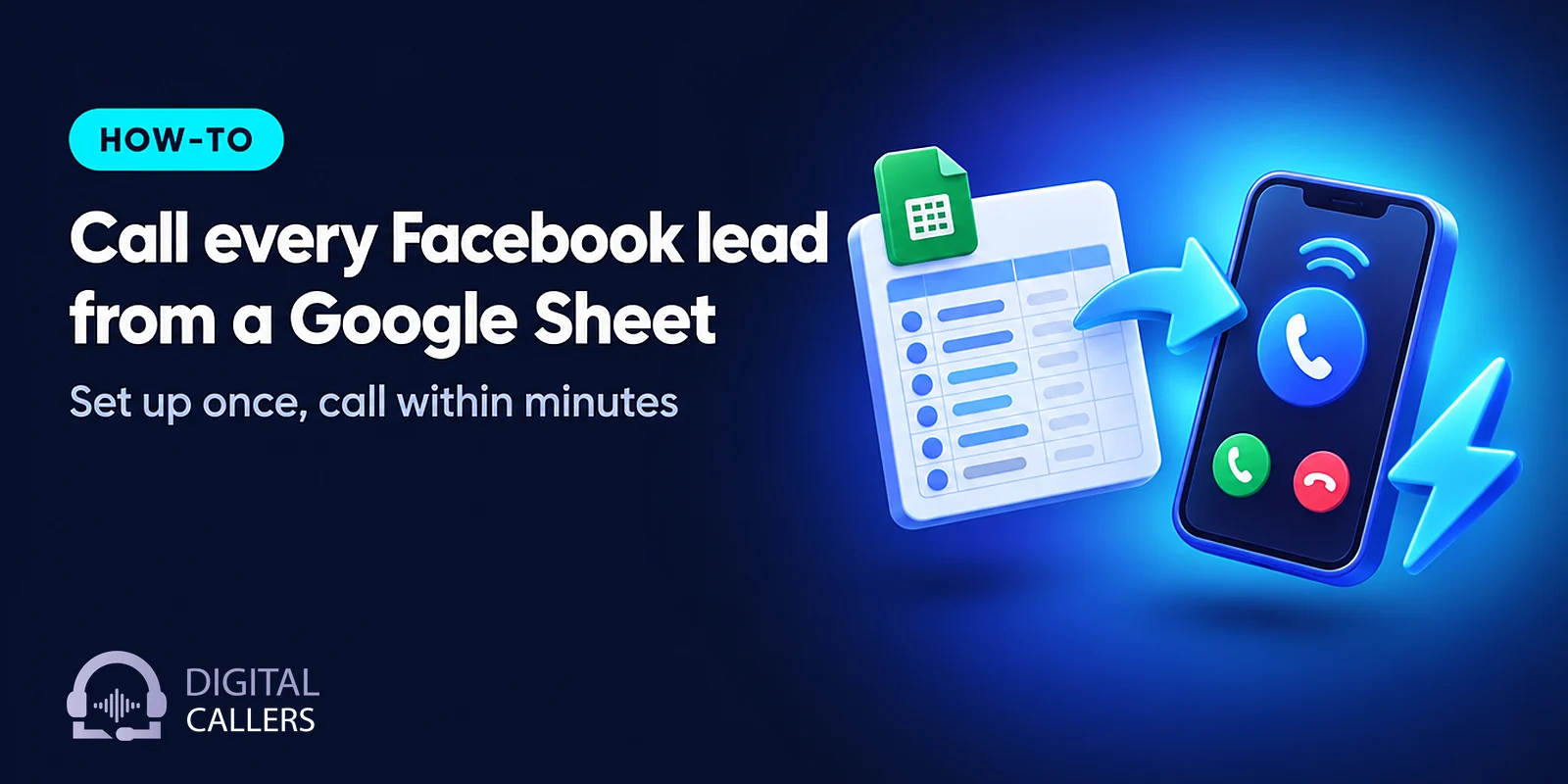
To call Facebook leads automatically, you need three pieces working together: your lead ads sending each new lead into a Google Sheet or CRM, a calling system that watches that sheet, and clear rules for who gets called, when, and where the result goes. Set up properly, a person who fills your Facebook or Instagram form hears from you within minutes, not the next morning. This guide walks through the setup we use, with a real D2C brand's sheet as the example.
Why call Facebook and Instagram leads within minutes?
A lead ad form takes a few taps, and the person who filled it is usually still on their phone. Calling within minutes reaches them while they remember your ad and before a competitor's ad catches them. Waiting until the next morning means calling someone who has moved on, or who no longer recalls filling the form.
Meta describes lead ads as giving people "a quick and privacy-safe way to sign up to receive information from your business," with forms that use information people have already shared with Facebook (Meta for Developers, Lead Ads guide). That convenience cuts both ways. Low effort means more leads, and also leads whose interest fades fast.
Research on response speed has said the same for years. A 2011 Harvard Business Review article by Oldroyd, McElheran and Elkington, "The Short Life of Online Sales Leads", found that most companies were "not responding nearly fast enough" to online enquiries (BYU ScholarsArchive record). Instant lead calling is simply the operational answer: take the human delay out of the first touch.
How do Facebook lead ads get into Google Sheets?
Meta offers four routes for lead data: a supported CRM or partner integration, webhooks that notify your system the moment a lead arrives, the Graph API for pulling leads on demand, and manual download from Leads Center. For calling within minutes, you want an automatic route. Meta itself does not recommend manual download for ongoing CRM setups.
Meta's own guide to connecting a CRM to lead ads describes the trade-offs. Webhooks push leads "close to real time" but need a developer; bulk reading through the API delivers data only when your code asks and has rate limits; manual download is a fallback.
| Route | How fast leads arrive | Effort | Good fit for |
|---|---|---|---|
| CRM or partner integration | Near real time, if the partner syncs often | Low, if your CRM is supported | Teams that already work in a CRM |
| Automation tool writing to a sheet | Usually within minutes | Low to medium | Facebook lead ads to Google Sheets without a CRM |
| Webhooks + Graph API | Close to real time | Developer needed | Teams with their own tech |
| Manual download from Leads Center | Whenever someone remembers | Manual, error-prone | Emergencies only |
Whichever route you choose, the goal is the same: each new lead appears as a new row with a name, phone number, form name and time. If your leads already land in a sheet, you are most of the way there.
A real example: the D2C sheet we connected
A D2C health and wellness brand we work with sends its funnel leads into a Google Sheet, which held about 1,500 rows when we connected it. We connected it privately, called Indian numbers only, wrote every call's result back into four new columns, and flagged badly formatted numbers instead of guessing them.
Each of those choices has a reason:
- Private sharing as Editor, never public. The sheet is shared only with our service account's email address. Editor access is needed because we write results back. The documentation for gspread, a widely used Python library for Google Sheets, makes the same point: a service account cannot see a spreadsheet until you share it with that account's email, and without that step the script fails with a "spreadsheet not found" error (gspread documentation). Making the sheet public would avoid that step, but would expose every customer's name and number to anyone with the link.
- India-only numbers. The brand sells in India, so only +91 numbers are called. A stray international number is skipped, not dialled.
- Flag, don't guess. Some numbers were typed with a "+" but no country code. Rather than assume +91, we flag those rows so the team can fix them. A wrong guess means calling a stranger.
- Four result columns. Each call's outcome is written back into four new columns, so the team sees results without opening another tool.

Step by step: how to call Facebook leads automatically
The setup takes a few working sessions, most of it spent on the script and the rules rather than the connection itself. You prepare one clean sheet, share it privately, map the columns, set calling rules, write and test the script, then go live and watch the first day of calls closely.
- Get every lead into one sheet with consistent columns. At minimum: name, phone number, form or campaign name, and the time the lead came in. If you run several campaigns for different products, keep a column that says which product, so the right agent takes the call.
- Share the sheet privately. Keep general access restricted and add our service account's email as Editor. Nobody else needs access.
- Map columns and add result columns. We read your existing columns and add result columns for status, outcome, appointment and last called. The platform protects against overwriting what your team types in the sheet.
- Set calling rules. Calling-hour windows, DND checks, India-only filters, how many attempts, and how far apart. Decide too what to do with rows already in the sheet at connection: call them, skip them, or call only recent ones.
- Write the script for this form. For example, a lead who asked about a weight-loss programme needs a different opening from one who downloaded a brochure. Our AI calling script template gives a structure to start from.
- Test with your own numbers. Add a few test rows with your team's phones. Check the call, the language, the booking and what gets written back.
- Go live and listen. We check the sheet every 2 minutes from then on. Listen to the first day's calls, read the daily email report, and adjust.
What happens on the call, and after it?
The agent introduces your business, mentions the form the person filled, asks permission to talk, answers questions from your locked facts, and tries to book the next step: a consultation, demo, visit or call-back. Afterwards, the result goes into your sheet, and a WhatsApp follow-up can go out through your own WhatsApp provider.
That second half is where most lead ads follow up processes break down. A call that books an appointment but leaves no trace in the sheet creates a second job for someone. Here is what each result column holds:
| Column | What it holds (example values) | Who updates it |
|---|---|---|
| Status | Called, not answered, busy, scheduled for call-back, number flagged | Platform |
| Outcome | Short result: interested, not interested, wants details, booked | Platform |
| Appointment | Date and time of the booked visit, demo or call-back | Platform |
| Last called | When the most recent attempt was made | Platform |
Your team's own columns, such as notes or owner, stay theirs. Recordings, transcripts and call summaries are kept in the dashboard, and a daily report arrives by email. If a customer asks to be called later, the call-back is scheduled at the time they gave.
The same approach works for any source that lands in a sheet or CRM, and for most industries. See our guide to outbound AI calling for every lead and how this fits AI calling for D2C and e-commerce brands. Supported sources and tools are listed on our integrations page.
When is the best time to call?
For a fresh lead, the best time is now, within your calling window. For older leads and retries, our platform data suggests early afternoon and midweek connect better than mid-morning and weekends, but the differences depend heavily on industry and list, so test on your own leads.
What we see across our platform, May to October 2026 (outbound calls, share lasting 15 seconds or more):
- By hour (IST): 10–11 AM about 52–54%; 12–3 PM about 61–65%; 3–6 PM about 59–64%. Evening slots looked higher but on far fewer calls.
- By day: Thursday about 68% and Wednesday about 65% were highest; Saturday about 53% and Sunday about 56% lowest.
Treat these with care. A 15-second call is a proxy for a connection, not a verified human pickup. The data mixes campaign types, including short event invitations and sales calls, mostly in real estate with some health/wellness and B2B. Results vary by industry, list quality and time of day.
Common mistakes when automating lead calls
Most problems with automated lead calling come from the data and the rules, not the voice. A public sheet, messy phone numbers, columns that both people and the system edit, and one script for every form will hurt results faster than any voice setting.
- Making the sheet public to "make it easier". It exposes customer data. Share with the service account only.
- Guessing country codes. Flag unclear numbers for a person to fix.
- Calling the old backlog by accident. Decide before go-live what happens to rows already in the sheet.
- One script for all forms. Match the opening to what the person asked for.
- Ignoring calling rules. Calling-hour windows and DND checks protect your number's reputation. TRAI's 2025 amendment lets customers complain within 7 days of an unwanted call and triggers action after 5 complaints in 10 days (TRAI press release No. 11 of 2025). Our article on TRAI rules for automated calls explains more. This is general information, not legal advice.
Add a hidden "product" or "form name" column in your lead ads mapping from day one. It lets one sheet feed several agents, each with its own locked facts, and it saves you rebuilding the sheet later when you add a second campaign.
What does it cost?
When you call Facebook leads automatically with us, calls are billed in 30-second pulses and unanswered calls are not billed. A sales conversation of about two minutes costs roughly ₹12–16; confirmation calls under a minute cost ₹3–8. Plans start at a monthly minimum of 3,000 minutes at ₹8 per minute, plus 18% GST.
Setup fees and which plans include integrations are on our pricing page. For the wider picture of lead follow-up in property sales, see our AI calling playbook for real estate.
The tools to call Facebook leads automatically are already in place for most businesses: a lead form, a Google Sheet and a phone line. What makes it work is a private connection, clean numbers, sensible calling rules and results that flow back to your team. If you want to see it on your own leads, book a 20-minute demo and we'll call your phone with an agent set up for your business.
Frequently asked questions
How quickly can an AI agent call a new Facebook lead?
With a Google Sheet connection, we check the sheet every 2 minutes, so a new row is usually picked up within a couple of minutes and called straight away if it falls inside your calling hours. Leads that arrive outside those hours are queued for the next window. Speed also depends on how fast your lead ads tool writes the lead into the sheet.
Do I have to make my Google Sheet public?
No, and you should not. Keep general access restricted and share the sheet only with our service account's email address as an Editor. Editor access is needed because the call results are written back into the sheet. A public 'anyone with the link' sheet exposes your customers' names and phone numbers to anyone who finds the link.
What gets written back into the sheet after each call?
We add result columns to your sheet: call status, outcome, any appointment booked, and when the lead was last called. The platform protects against overwriting what your team has typed, so if a salesperson updates a row by hand, their note is not replaced by the next automated update. Recordings, transcripts and summaries stay in the dashboard.
What happens to phone numbers that are formatted wrongly?
Numbers that cannot be read as a valid Indian number are not called. In the D2C setup described here, numbers typed with a '+' but no country code are flagged in the sheet rather than guessed, so your team can correct them. Guessing a country code risks calling the wrong person, which is worse than a short delay.
Can I call leads from Instagram lead ads the same way?
Yes. Instagram lead ads are run through Meta's ads system, so their leads arrive through the same routes as Facebook leads: a CRM integration, webhooks, the API or a download. Once they land in your Google Sheet or CRM, the agent treats them like any other new lead and calls them inside your calling hours.
We build and run AI calling agents for Indian businesses from Gurugram, in Hindi, English and regional languages. Our articles draw on calls we have run ourselves and link to primary sources such as TRAI, DoT and MeitY for anything regulatory. Spotted something out of date? Write to support@digitalcallers.com.
See it on your own leads
In a 20-minute demo we set up an agent for your business and call your phone while you watch.